
React Native analytics built for agent workflows
Typed events, privacy-aware setup, and agent-queryable outputs for React Native and Expo.
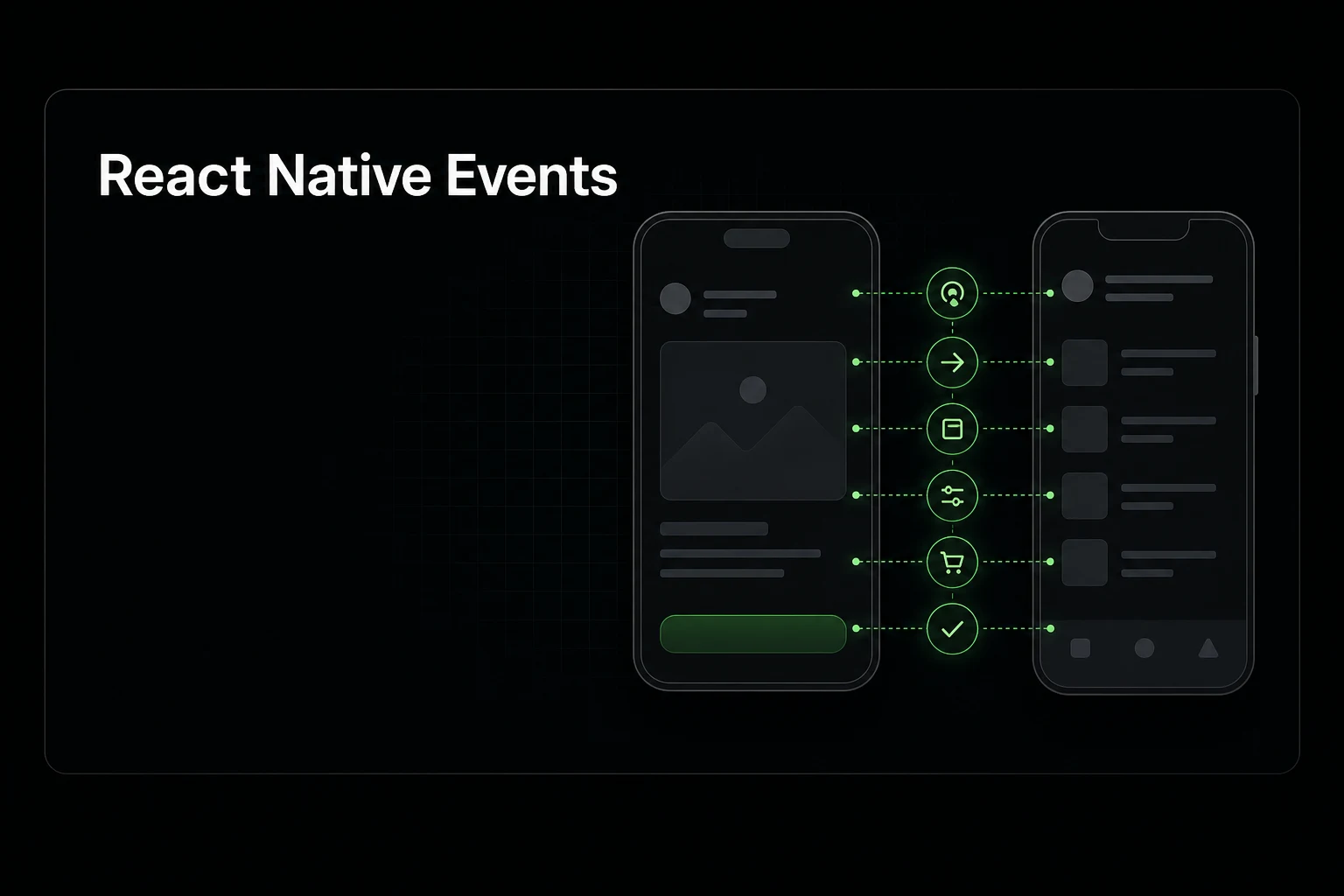
Product data preview
Signals to agent context
Funnels, instrumentation, and evidence your coding agent can act on.
Track React Native analytics and Expo analytics events with privacy-aware defaults, release/debug separation, and queryable outputs for AI coding agents.
Who this is for
Start here if the problem below sounds familiar. You do not need every connector on day one—just enough signal for the Growth Engineer to propose work you can review.
- Expo and React Native teams instrumenting fast
- Apps separating debug from release analytics
- Teams grounding growth work in telemetry
How it works
The loop is the same across guides: connect evidence, let the agent read it, then ship a reviewed task with a verification metric.
- Install the TypeScript SDK.
- Track onboarding, paywall, purchase, and retention events.
- Validate in debug before trusting release funnels.
- Query funnels and exports from dashboard or agents.
What you get back
The output should be concrete enough to review without opening five dashboards.
- React Native setup helpers in the SDK.
- Consent-first initialization paths.
- Debug events stay out of release analysis.
A React Native analytics setup that survives production
A useful mobile analytics implementation starts with a small contract, not a long list of screens. Define the first value action, onboarding completion, paywall exposure, purchase outcome, and the action that represents an active user. Those events answer activation, conversion, and retention questions without collecting the content a person entered.
Keep environment and surface separate. The SDK uses debug mode to prevent development traffic from entering release analysis, while projectSurface identifies whether an event came from the app, landing page, or dashboard. That distinction matters when one AnalyticsCLI project covers both a web acquisition flow and its React Native product.
- Use one publishable project key in the app; never ship a CLI read-only token or server secret.
- Set debug from __DEV__ and verify events before comparing release funnels.
- Choose consent_gated identity when the app can ask for persistent identity consent.
- Attach stable product dimensions such as flow version or experiment variant, not personal data.
Instrument decisions, not every component
For onboarding, emit onboarding:start once per attempt, step views when a meaningful step becomes visible, and onboarding:complete when the user reaches the end. Use a separate activation event for the first successful product outcome. Completion and activation are often different: finishing setup does not prove the user received value.
For subscription apps, create one paywall tracker for a paywall journey and reuse it for shown, purchase, cancel, and failure callbacks. Stable source, paywallId, and offeringId dimensions make conversion changes explainable after a release. Avoid firing purchase success from a button tap; use the confirmed store or RevenueCat result.
- Onboarding: start, meaningful step views, completion, and skip.
- Activation: the first outcome that demonstrates the product promise.
- Monetization: paywall shown, purchase started, success, failure, cancel, and skip.
- Retention: a repeatable core action measured with stable consented identity.
Make the same telemetry usable by coding agents
Dashboard charts are useful for people, but agents need bounded and reproducible context. AnalyticsCLI exposes schema discovery, funnels, retention, generic grouped queries, and an agent brief through the CLI and a read-only MCP server. Each query keeps Release and Debug data explicit and carries data-quality warnings instead of hiding identity limitations.
Start an agent run with schema discovery or the agent brief, then ask a narrow product question. A good handoff cites the time range, event names, data mode, evidence, proposed change, and the metric that should move. Growth Engineer can consume the versioned agent brief directly and turn the strongest finding into a reviewable issue while preserving the underlying evidence.
- Use read-only agent credentials and a bounded lookback.
- Prefer event counts for consentless aggregate pageviews; do not label them as people.
- Require an explicit activation funnel instead of asking an agent to invent one.
- Re-run the same query after a release to verify impact.
Reliability and privacy guardrails
Mobile connections fail, apps background abruptly, and malformed payloads should not block good events. The SDK bounds its in-memory queue, splits batches at the collector limit, isolates non-serializable or oversized events, and keeps retryable failures queued. At an awaitable lifecycle boundary, flushAll or shutdownAsync can drain the queue with a timeout.
Properties receive recursive key-based privacy filtering on the client and again at ingest. This defense removes common PII and secret keys from nested objects and arrays, but it is not permission to send free-form user content. Keep event properties categorical and operational, and review any field that could identify a person.
Minimal Expo and React Native setup
This setup keeps development events separate, uses the publishable app key, and leaves persistent identity behind an explicit consent decision.
import * as Application from 'expo-application';
import { Platform } from 'react-native';
import { init } from '@analyticscli/sdk/react-native';

export const analytics = init({
  apiKey: process.env.EXPO_PUBLIC_ANALYTICSCLI_PUBLISHABLE_API_KEY,
  debug: __DEV__,
  platform: Platform.OS,
  appVersion: Application.nativeApplicationVersion,
  projectSurface: 'app',
  identityTrackingMode: 'consent_gated',
  maxQueueSize: 1000,
});

const onboarding = analytics.createOnboardingTracker({
  onboardingFlowId: 'onboarding_v1',
  onboardingFlowVersion: '1.0.0',
  isNewUser: true,
});

onboarding.start();
onboarding.step('welcome', 0).view();

// Call this from the confirmed first-value outcome.
analytics.track('activation:core_action', { source: 'onboarding' });
Common questions
Quick answers before you connect product data to an agent.
Does AnalyticsCLI support Expo?
Yes—the TypeScript SDK targets web, Expo, and React Native.
Can I validate events before release?
Yes—release/debug separation keeps test traffic out of production.
Can the same data be used by coding agents?
Yes—with scoped CLI access.